Organization
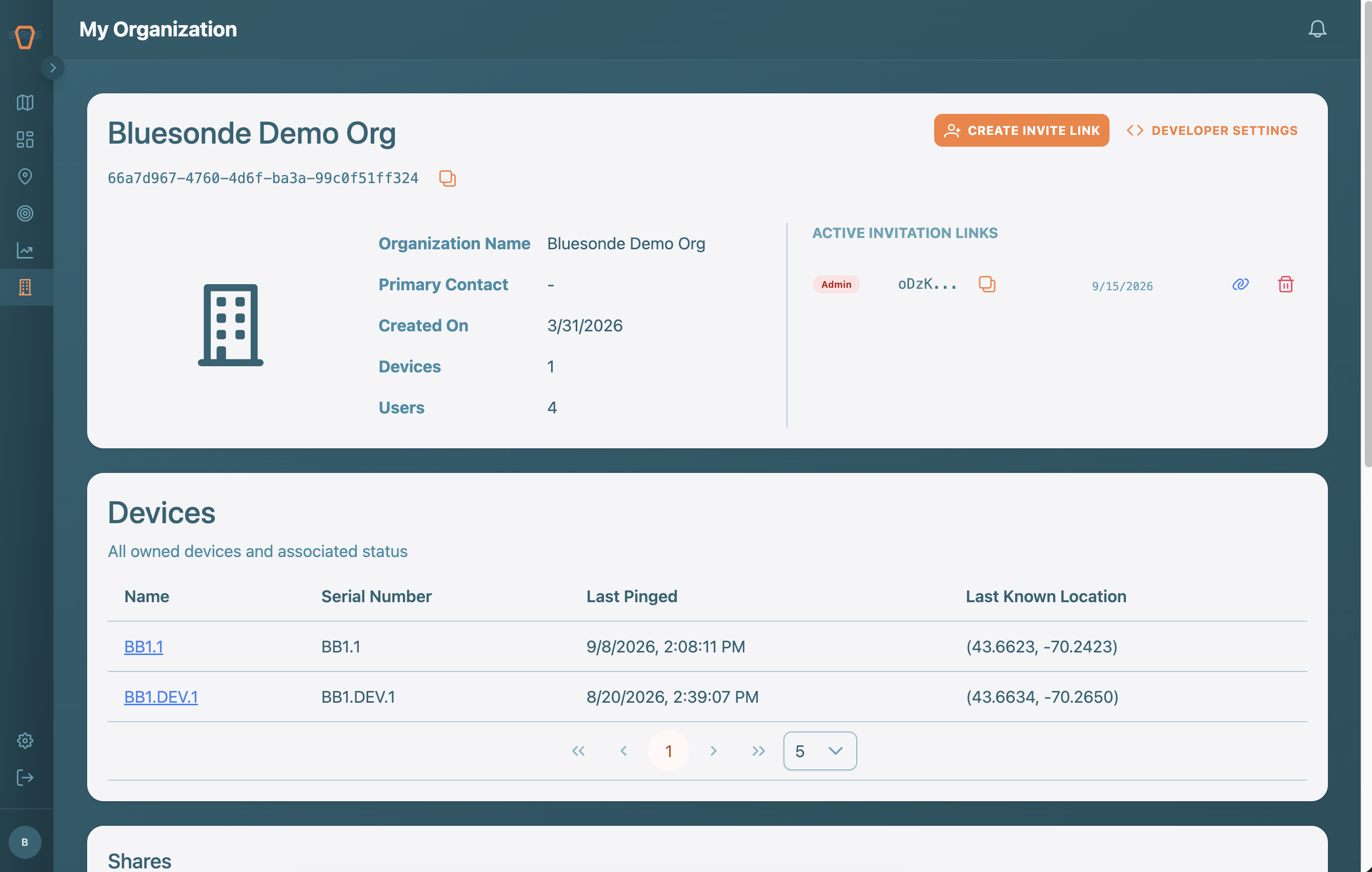
The Organization page is where you manage your workspace: its members, invite links, Devices, and data Shares.
Overview
The top card shows your organization's name, its ID, and summary details like your primary contact and how many Devices and members you have.
Members and Invites
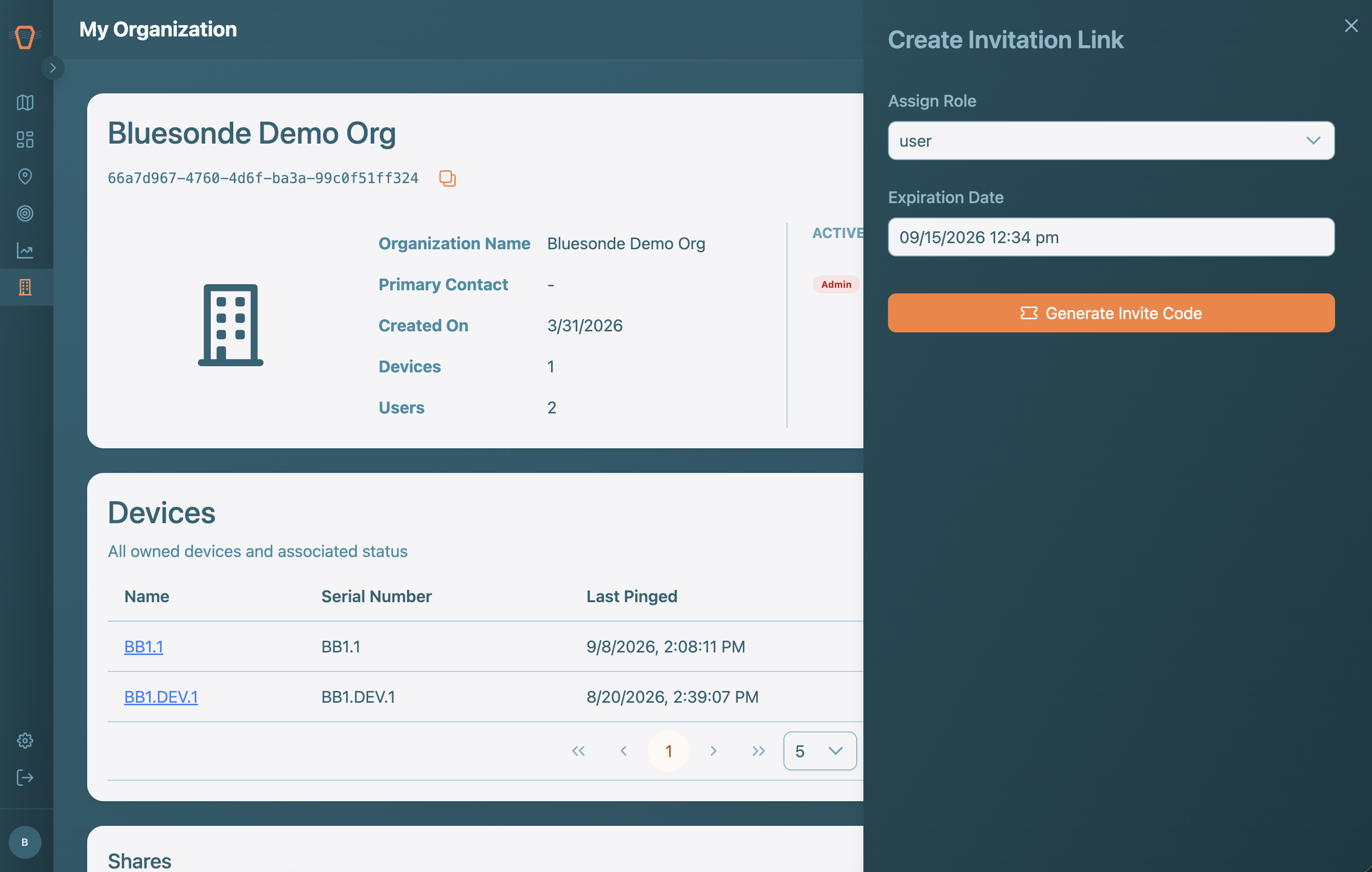
Organization Admins can invite new people by creating an invite link with a chosen role and expiration, then sharing that link. Active invite links are listed so you can copy or revoke them. Under Members, Admins can change a person's roles or remove them from the organization.
Devices and Shares
The Devices table lists the buoys your organization owns. The Shares section shows data you have shared out to other organizations under Outgoing, and data others have shared with you under Incoming, with links to copy or revoke access.