Roles and Permissions
Access in Bluesonde is controlled by roles. Every member of an organization has one or more roles, and those roles decide what they can see and do. This page explains the roles you will encounter and who can do what.
The Roles
There are two main roles on the Dashboard:
- Organization Admin. Admins manage Devices, Deployments, Sites, Alert Rules, invites, and developer credentials.
- User. Anyone signed in who is not an admin. Users can view organization data and use the self-service features below.
Bluesonde support staff also has elevated access to help you.
What Each Role Can Do
| Capability | Organization Admin | User |
|---|---|---|
| View Devices, Sites, Deployments, and their data | Yes | Yes |
| Run an Analysis and export readings | Yes | Yes |
| Subscribe yourself to Alert notifications | Yes | Yes |
| Change a Device's sensing schedule | Yes | No |
| Create and edit Deployments, attach or detach Devices | Yes | No |
| Create Sites and manage their Datastream subscriptions | Yes | No |
| Configure Alert Rules and Geofences | Yes | No |
| Share Devices and Deployments | Yes | No |
| Invite members, change roles, and remove members | Yes | No |
| Create API Keys and OAuth Applications | Yes | No |
Managing Roles
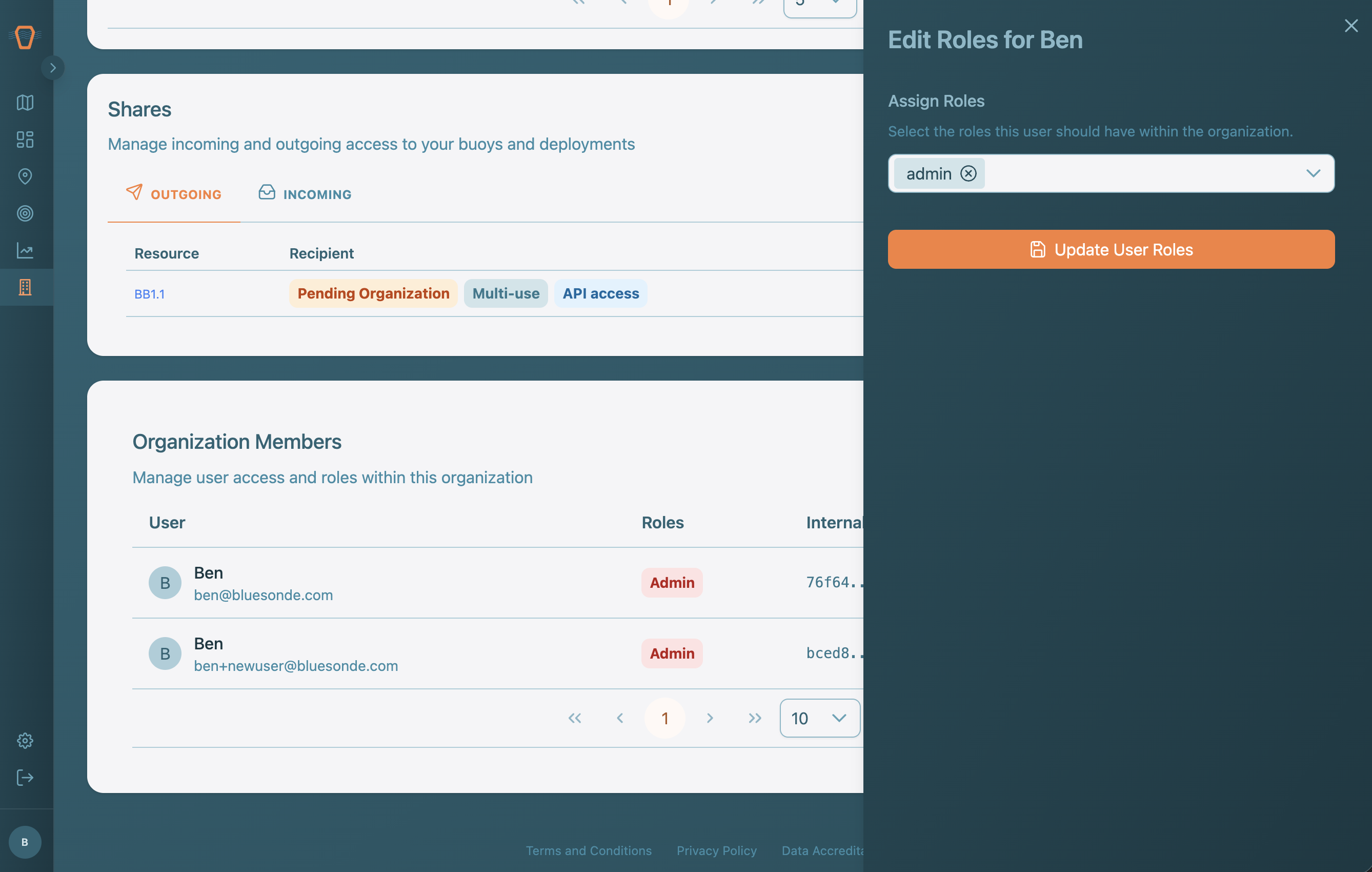
Organization Admins assign a role when they invite someone, so the invite link already carries the right level of access. Later, an Admin can change a member's roles or remove them from the organization on the Organization page.