Sites
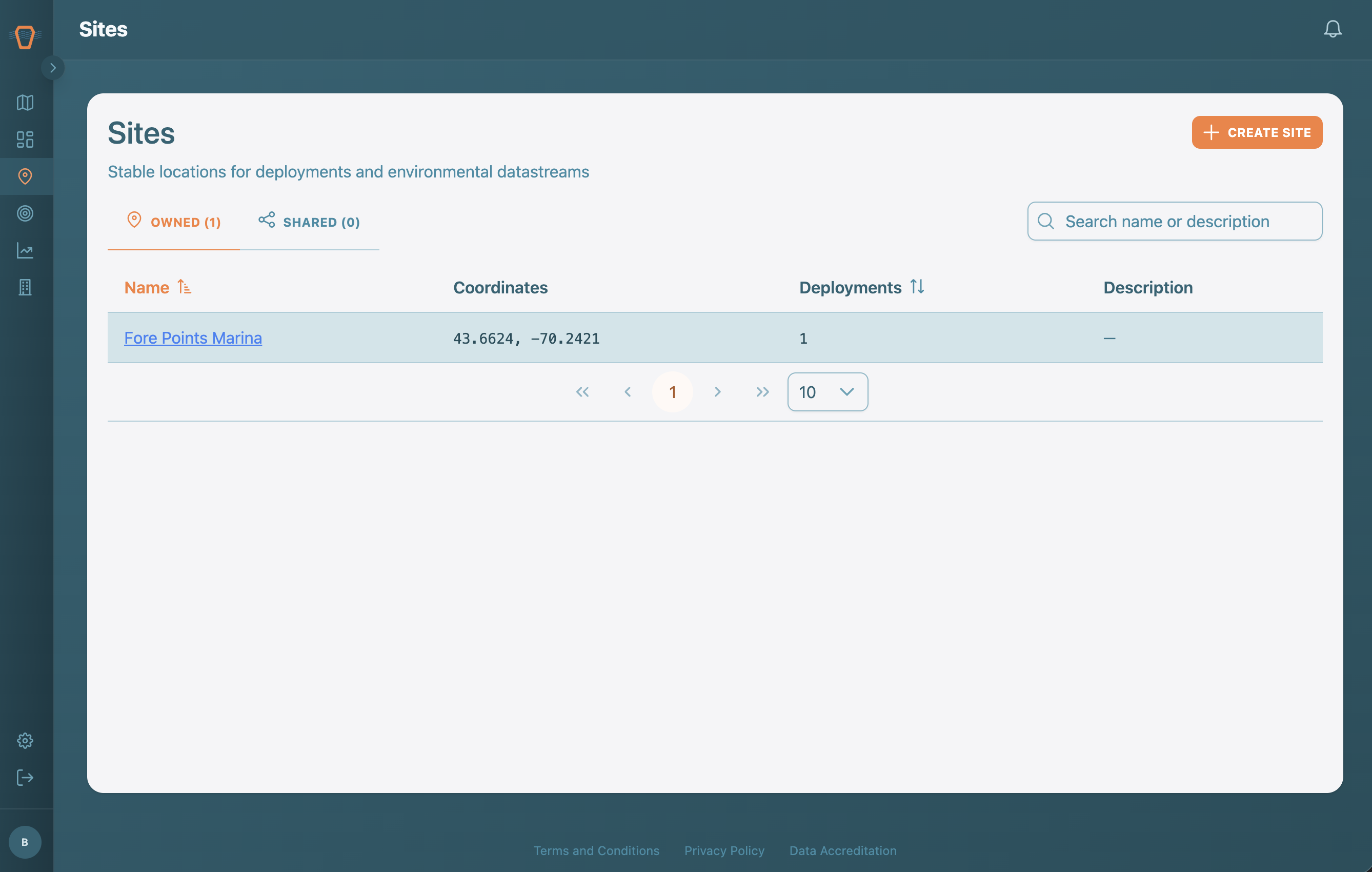
A Site is a fixed, named location you return to across campaigns, such as a specific bay or monitoring station. Sites anchor your Deployments and can pull in external environmental data. This page lists your Sites and is where you create new ones.
Browsing Sites
The table shows each Site's name, coordinates, and how many Deployments are anchored to it. The Owned and Shared tabs separate your Sites from those Shared with you, and the search box filters by name.
Creating a Site
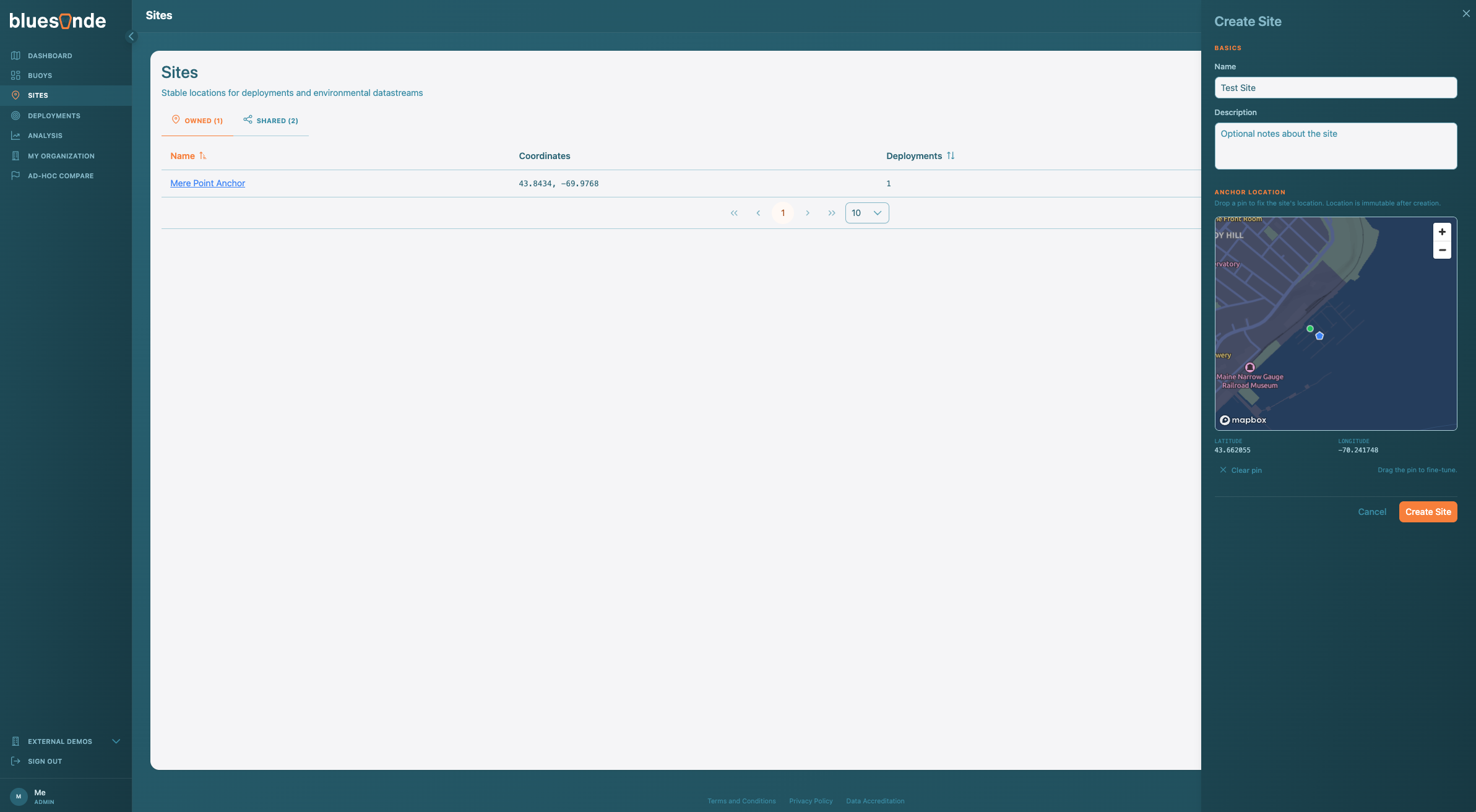
If you are an Organization Admin, use 'Create Site' to open the form. Drop a pin on the map to set the anchor location, then give the Site a name and description. The anchor location cannot be changed after the Site is created, so place it carefully. On save, you land on the new Site's page.