Devices
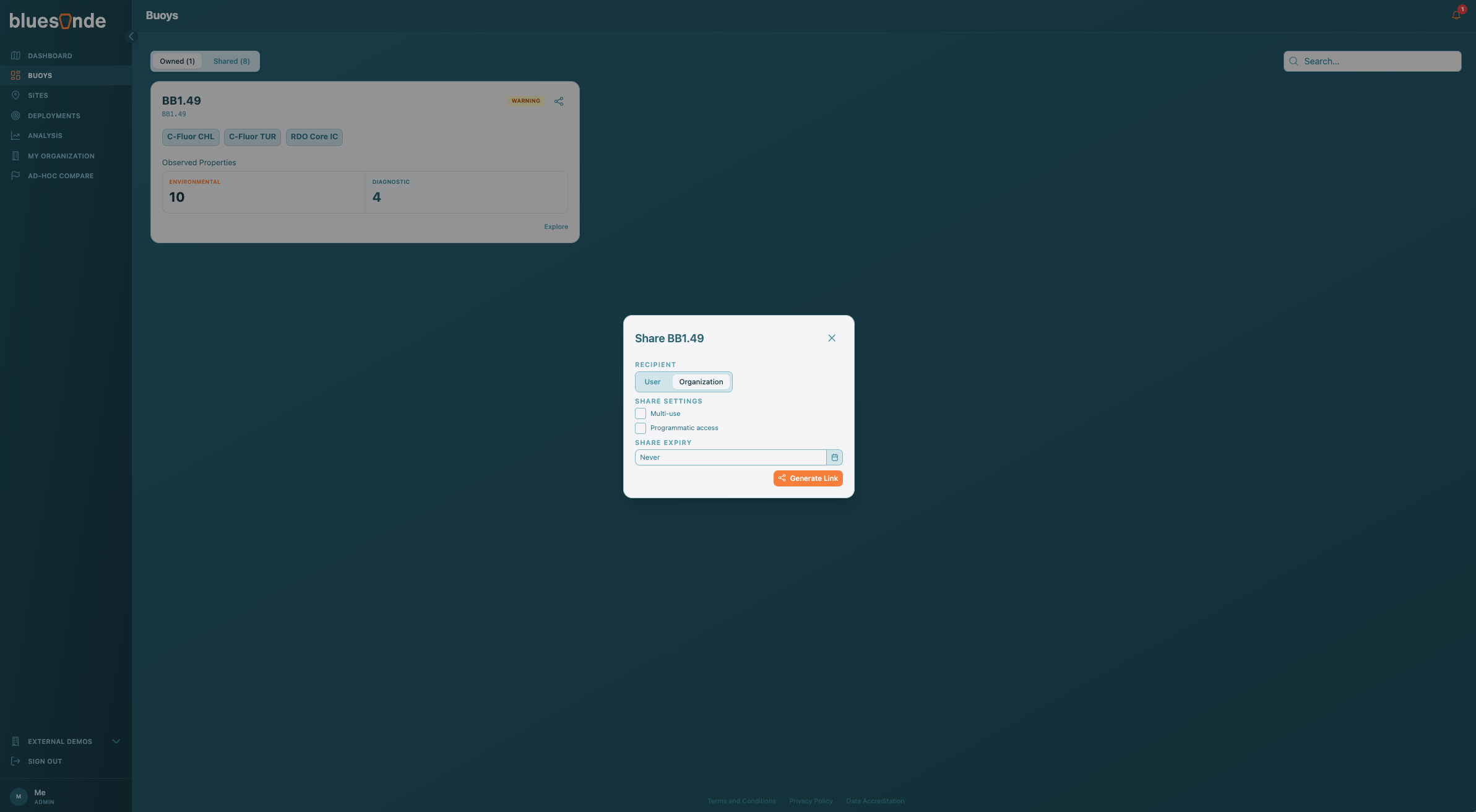
The Devices page lists every buoy your organization can access. Use it to find a Device and open its detailed view.
Owned and Shared
Two tabs split the Devices your organization owns from those another organization has Shared with you. The count next to each tab tells you how many are in each group.
Finding a Device
Type in the search box to filter by Device name, serial number, or sensor type. Each Device shows as a card with its status, its Sensors, and a count of its environmental and diagnostic Observed Properties. Click 'Explore' on a card to open that Device's page.
If you are using a buoy for the first time, it will not report any data until it is switched on with a magnet. Follow the steps in your user guide to turn it on, then use this page to check the Device's on and off status and confirm it is on.
Sharing a Device
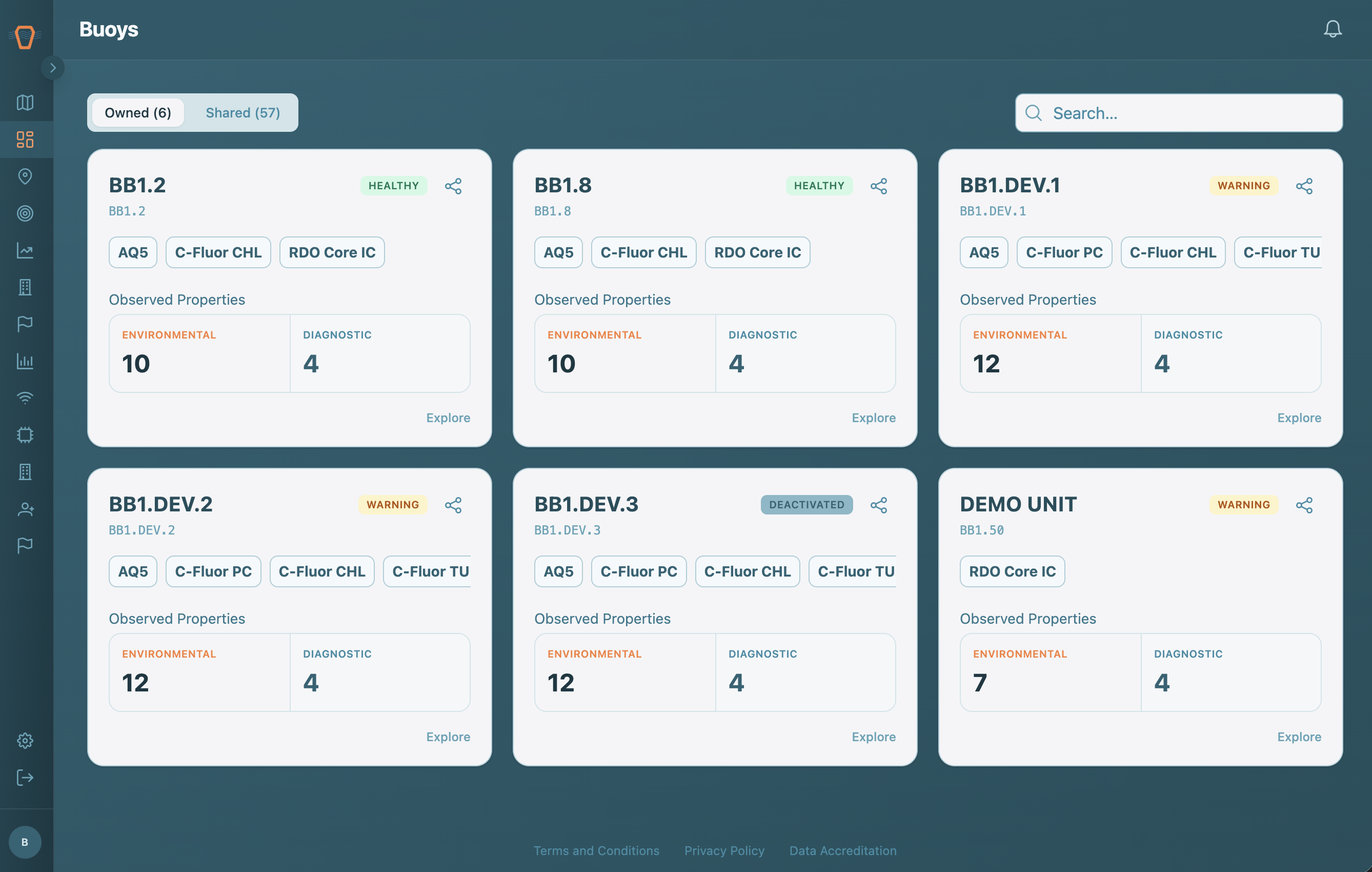
If you are an Organization Admin, use the Share button on a card to give another organization access to that Device's data. If nothing matches your filters, use 'Clear Filters' to start over.