Developer Settings
Developer Settings is where you create credentials for the Bluesonde API and connect third-party applications. This page is available to Organization Admins.
API Keys
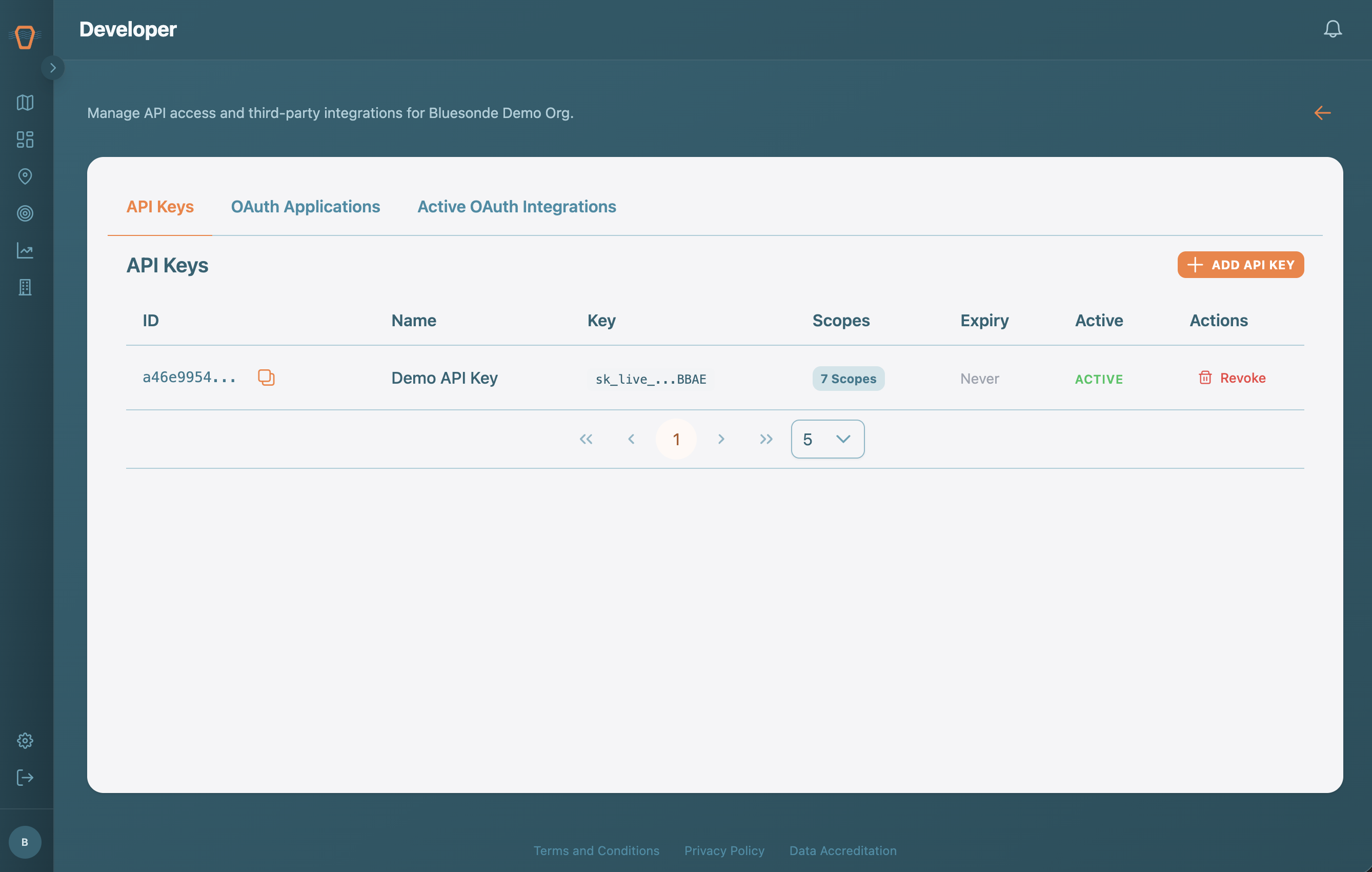
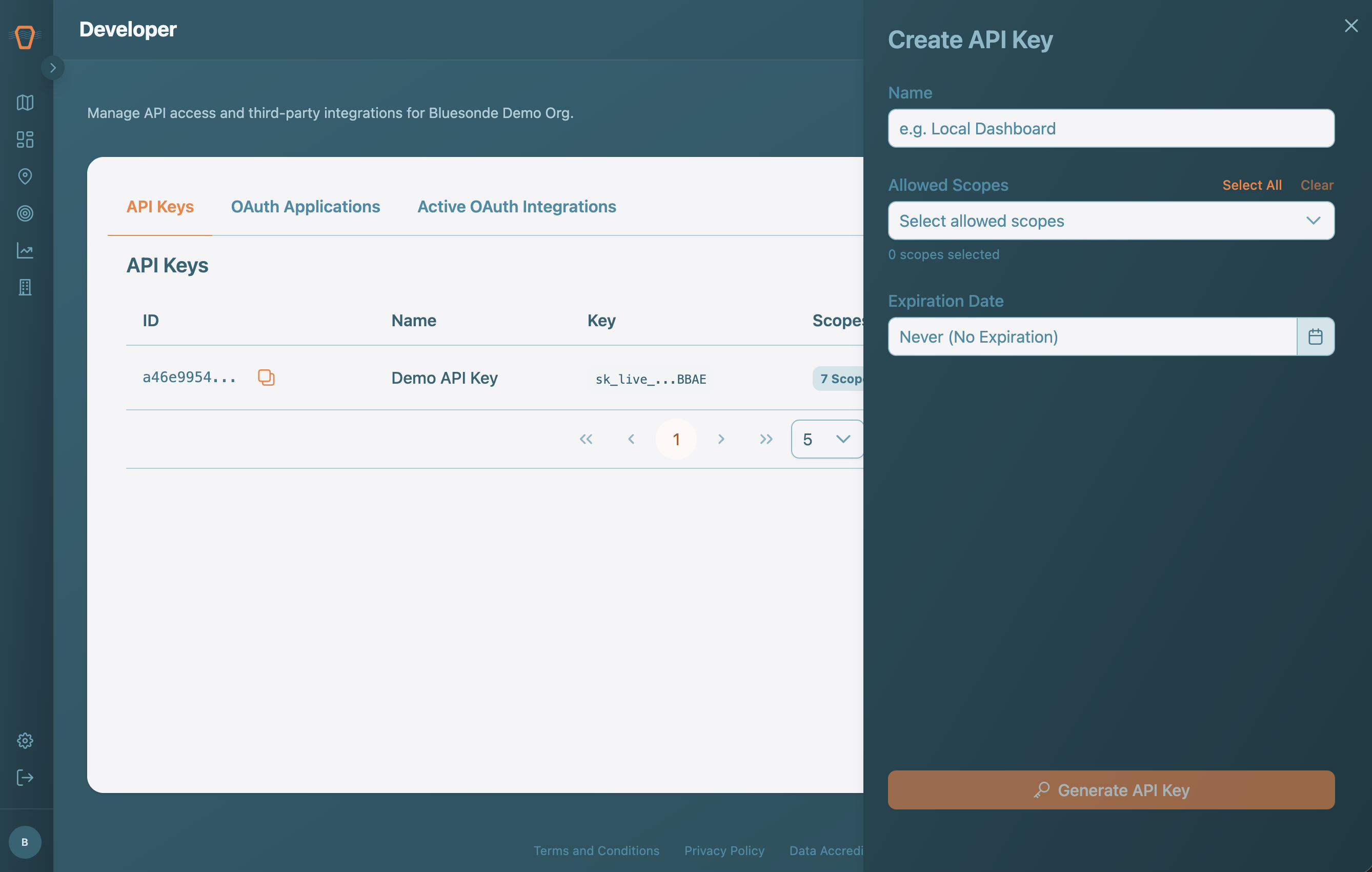
An API Key lets your own scripts and tools read your organization's data through the API. Create a key, choose the scopes (permissions) it should have, and optionally set an expiration. You can copy the key only once at creation, so store it somewhere safe. Revoke a key at any time to cut off its access.
OAuth Applications
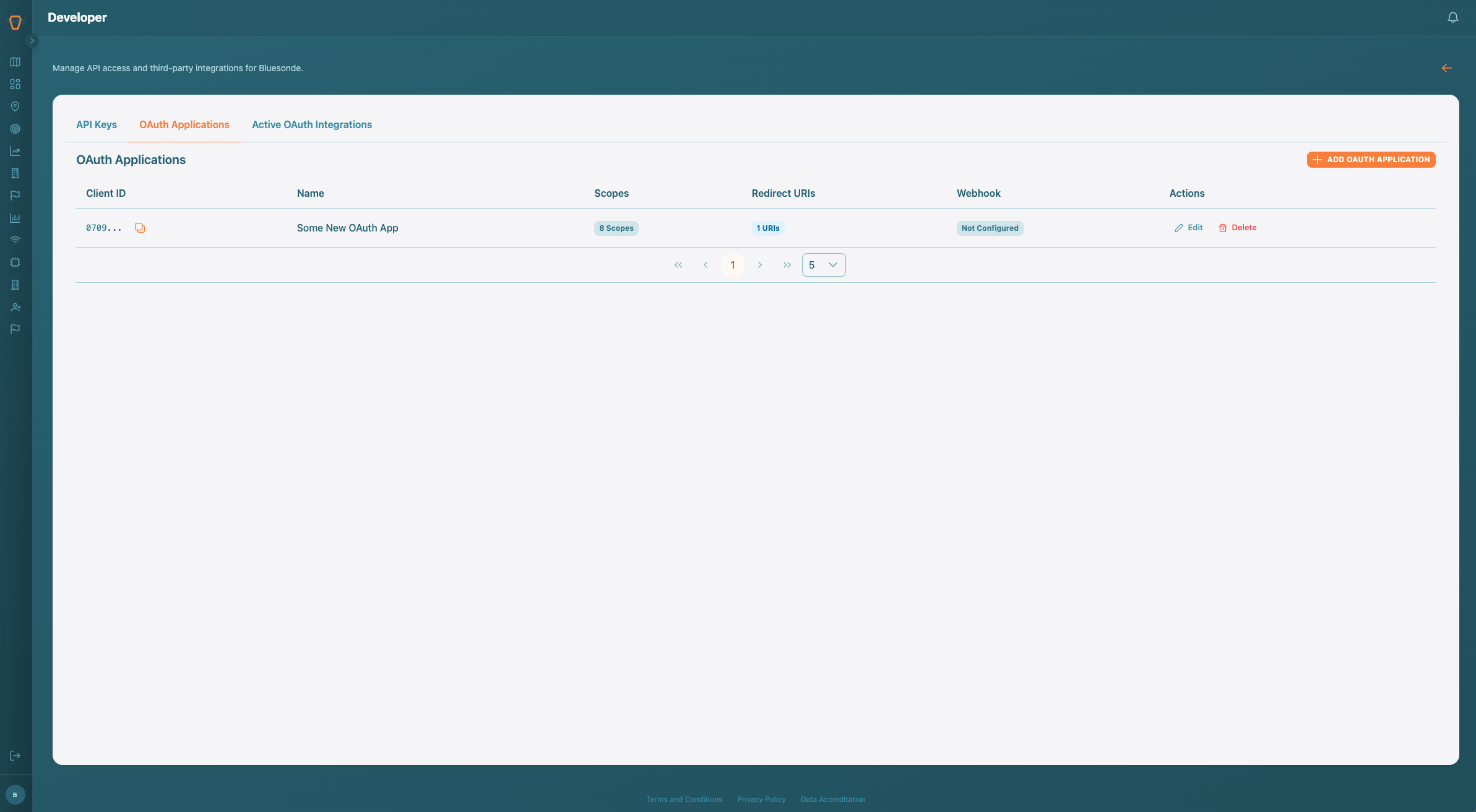
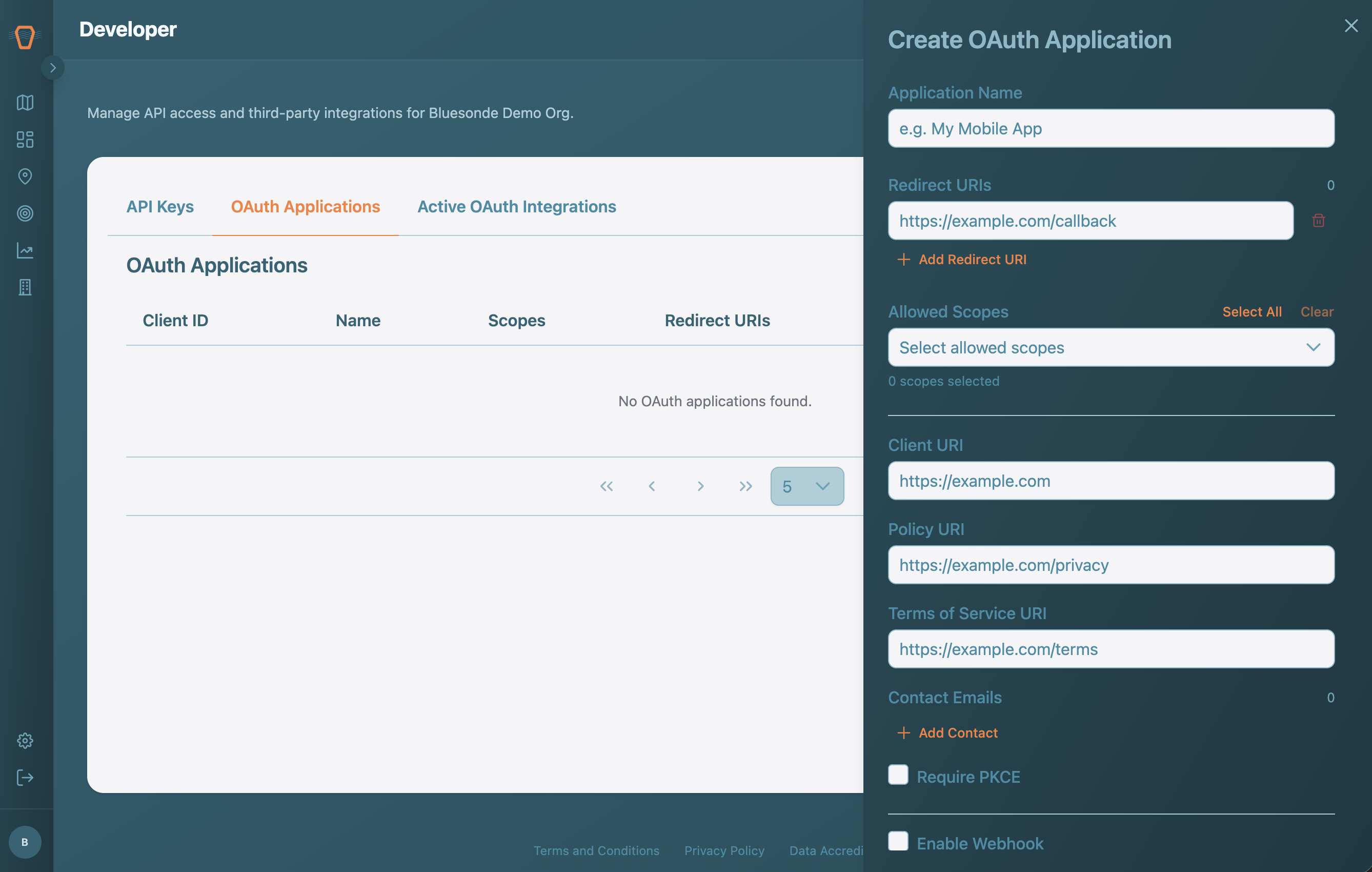
If you are building an application that other Bluesonde users will connect to, register it as an OAuth Application. Set its name, redirect URIs, and scopes, and you will receive a client ID and secret. You can also enable a Webhook so Bluesonde pushes events to your endpoint as they happen. For the full flow, see the API documentation.
Active Integrations
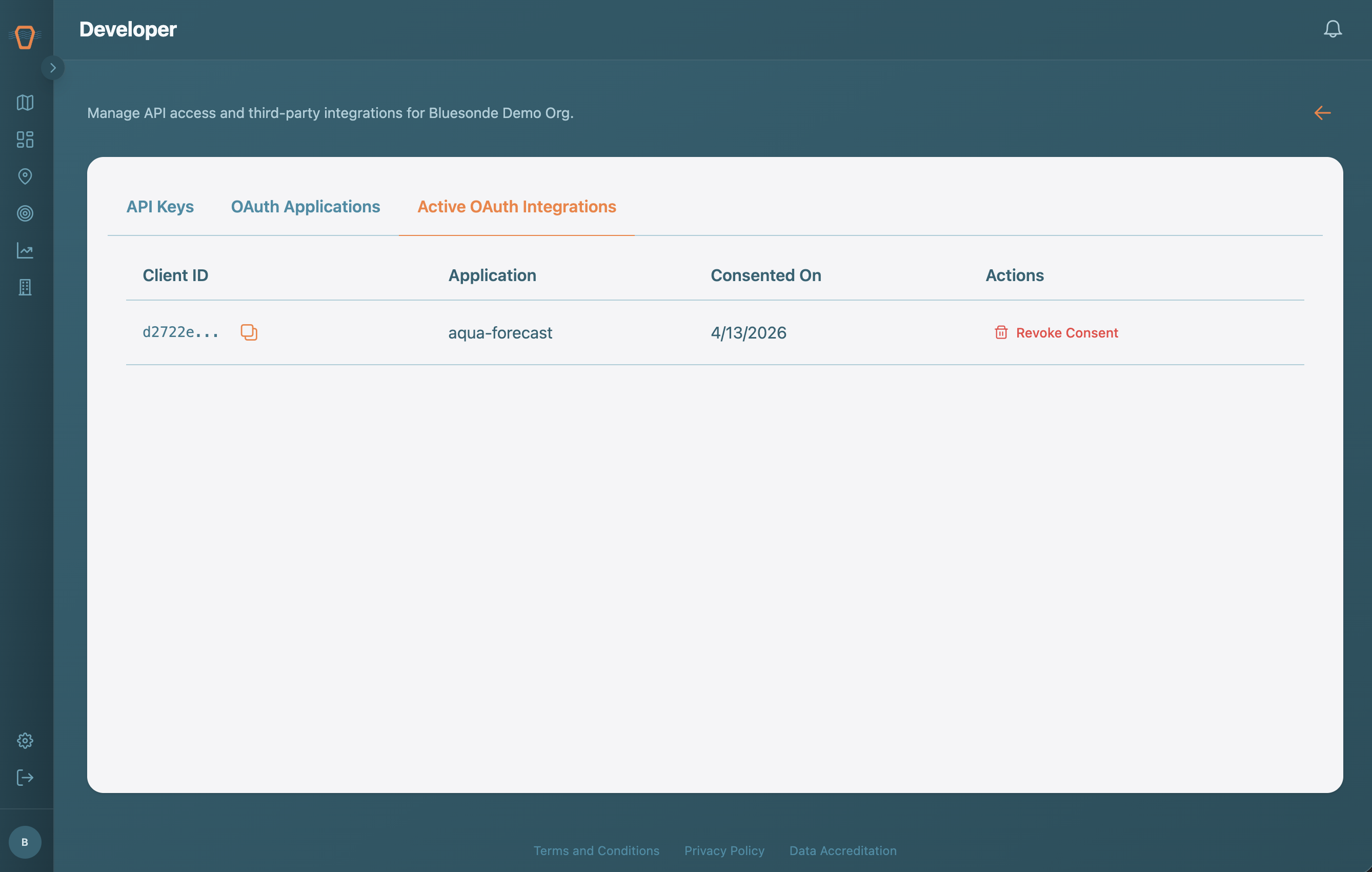
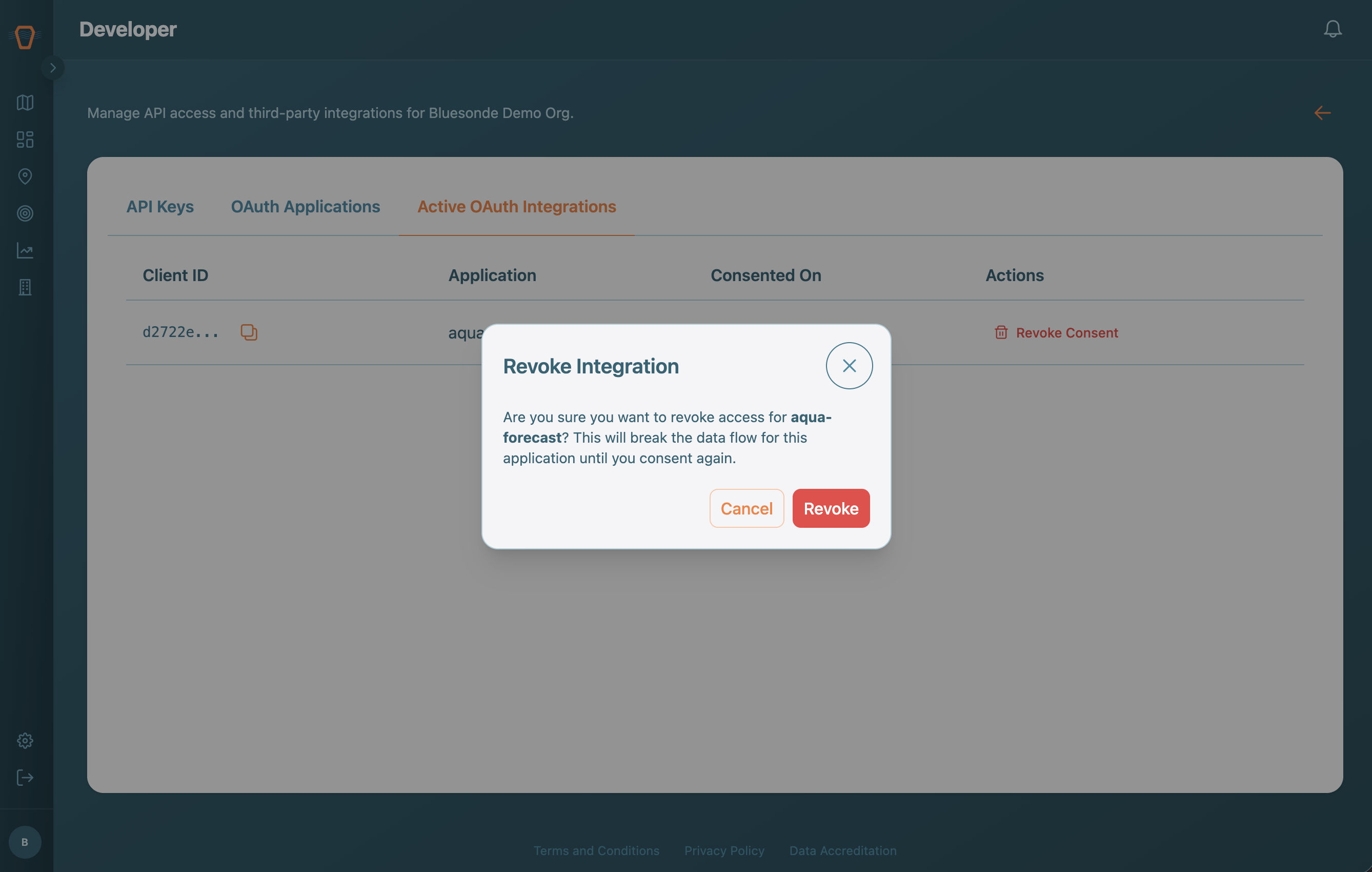
The Active Integrations tab lists third-party applications you have connected to your account. Revoke consent here to disconnect any of them.